
Axix HCM
Frequently asked questions
Straight answers about what Axix HCM includes, how attendance channels work together, and how organizations get started.
Product and attendance FAQs
What is included in Axix HCM?
Axix HCM covers employee master data, lifecycle from hire to exit, leave, shifts, attendance, payroll, recruitment, performance, training, expense claims and advances, locations, optional door access, plus reports and dashboards.
How does attendance work across channels?
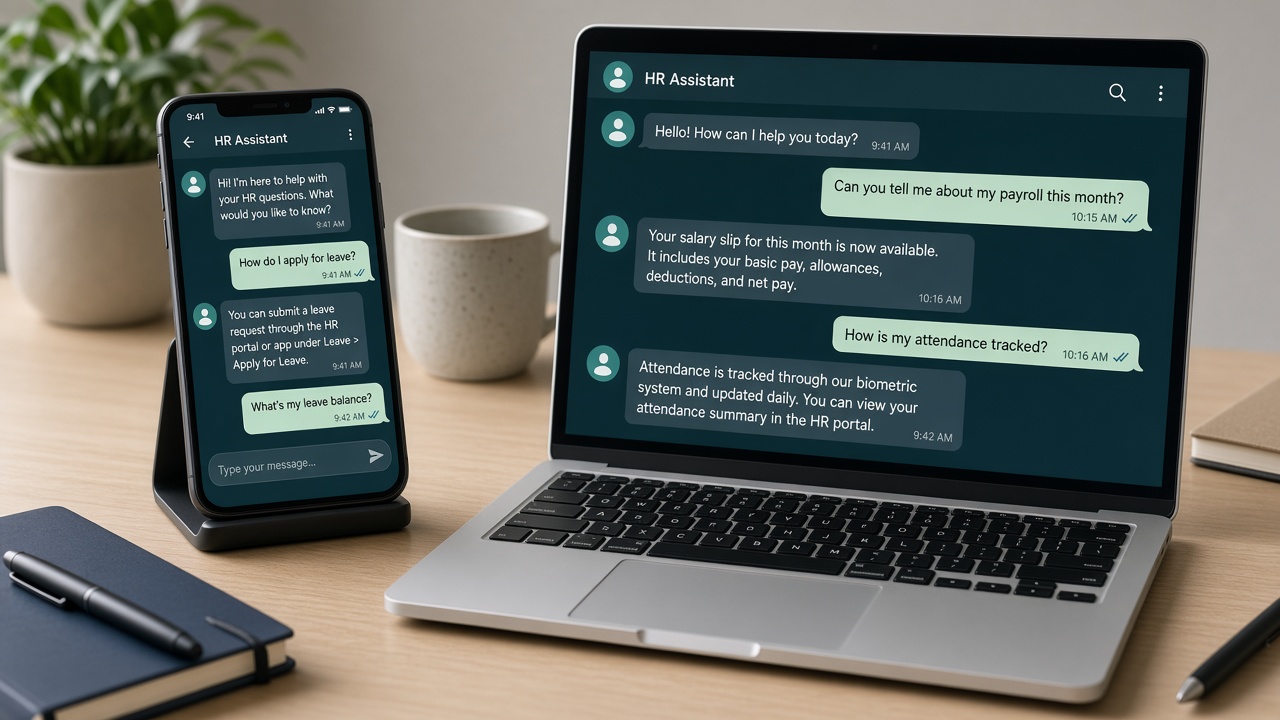
Employees can mark attendance through the mobile app, an attendance machine or kiosk, or an IP camera. All three channels write into one central attendance system with shared rules, source tracking, and audit trail.
Can we use only one attendance channel?
Yes. Enable mobile, machine/kiosk, camera, or any combination. Many organizations mix channels by site — for example mobile for field teams and kiosk or camera at office gates.
Does mobile attendance support Android and iOS?
Yes. Employees can mark attendance from the Android or iOS mobile app with secure login, optional face verification, location capture, history, and self-service features as configured.
How do punches stay consistent for payroll?
Unified attendance rules send mobile, machine, and camera punches into the same employee check-in record. Channel source is stored, IN/OUT logic is managed, duplicate punches can use cooldown rules, and real punches feed reports and payroll.
What can administrators configure for attendance?
Admins can enable or disable channels, set face matching thresholds, configure duplicate punch cooldown, manage devices and cameras, apply location-wise rules, and review punch audit logs.
Is Door Access required?
No. Door Access is optional. When enabled with compatible locks or relays, authorized employees can be allowed and unauthorized or expired status denied, with ALLOW/DENY logs.
Who is Axix HCM built for?
Organizations that need international-ready HCM for multi-site workforces — offices, hubs, warehouses, and field teams — with connected leave, attendance, and payroll rather than disconnected tools.
How do employees use self-service?
Employees access profile and self-service on web and mobile, including attendance status and history on the app, while managers handle approvals such as leave within the same platform.
How do we start a trial or see pricing?
Use the commercial trial and pricing host for Axix HCM to evaluate the platform, review plans, and continue to login after you subscribe.
Still deciding your channel mix?
Most buyers underestimate how often field and office punches must coexist. Use the attendance pages to compare mobile, machine/kiosk, and camera before you lock a rollout plan.
- Mobile for distributed roles
- Kiosk for controlled gates
- Camera for high-traffic automation
Need an answer that is not listed?
Contact support with your site map and workforce mix — we will help you interpret how Axix HCM modules fit without forcing a one-channel story.
- Share headcount and location count
- Note preferred attendance channels
- Call out payroll or door-access priorities
Questions to bring to a demo
- Which locations need which attendance channel?
- Who owns employee master data quality?
- How do leave approvals reach managers today?
- What payroll exceptions consume the most time?
- Is physical door control required anywhere?
- Which reports does leadership already expect weekly?
Capability answers only
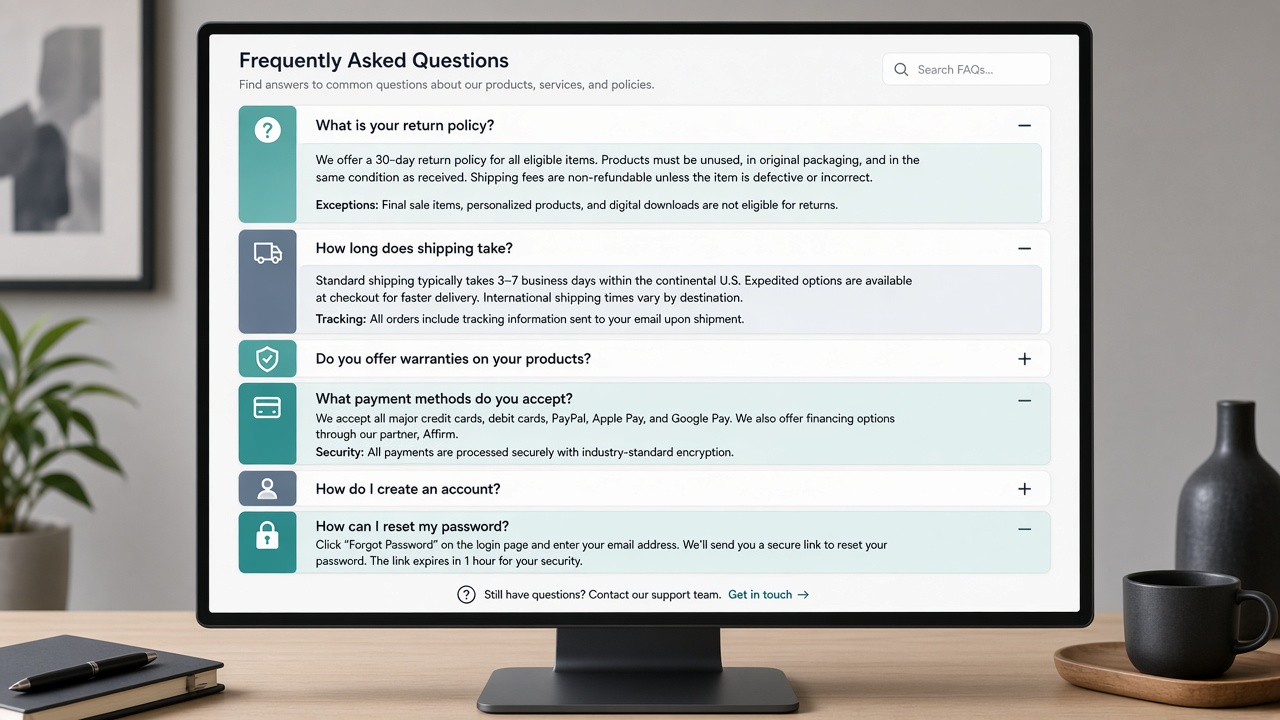
These FAQs stay on product behavior — modules, channels, self-service, and trials — so evaluation stays focused on operational fit.
Turn FAQ reading into a decision
Note open questions by site type
Field, office, and warehouse realities rarely share one punch answer.
Mark modules that must be in phase one
Usually master data, leave, shifts, attendance, and payroll.
Decide Door Access in or out
Keep optional physical control from blocking core HCM value.
Book a mixed-channel trial
Punch sample employees on more than one channel before you finalize.
Demo-day questions buyers forget
Who owns employee master corrections after go-live?
Name an HR owner and backup before punches and payroll depend on profile quality — Axix HCM cannot fix unclear ownership.
What is our exception path for missed punches?
Agree manager approvals and audit expectations so mobile, kiosk, and camera exceptions do not invent shadow spreadsheets.
Which report will leadership open every Monday?
Pick one daily or weekly attendance view early so dashboards replace ad-hoc exports from day one.

Answers that matched our Axix HCM evaluation
FAQ language matched what we heard in demos — especially that channels share one attendance record.
FAQ clarity meets mobile reality
Short answers explain policy; the phone is where field staff experience Axix HCM attendance day to day.
- Channel questions solved
Staff feel why mobile punches still count beside kiosk and camera.
- Fewer status emails
Self-serve history reduces the “did my punch land?” thread.
- Trial with confidence
FAQ plus live mobile punches make the pilot concrete for stakeholders.
Pair FAQ reading with a mobile pilot cohort so answers stick in real operations.
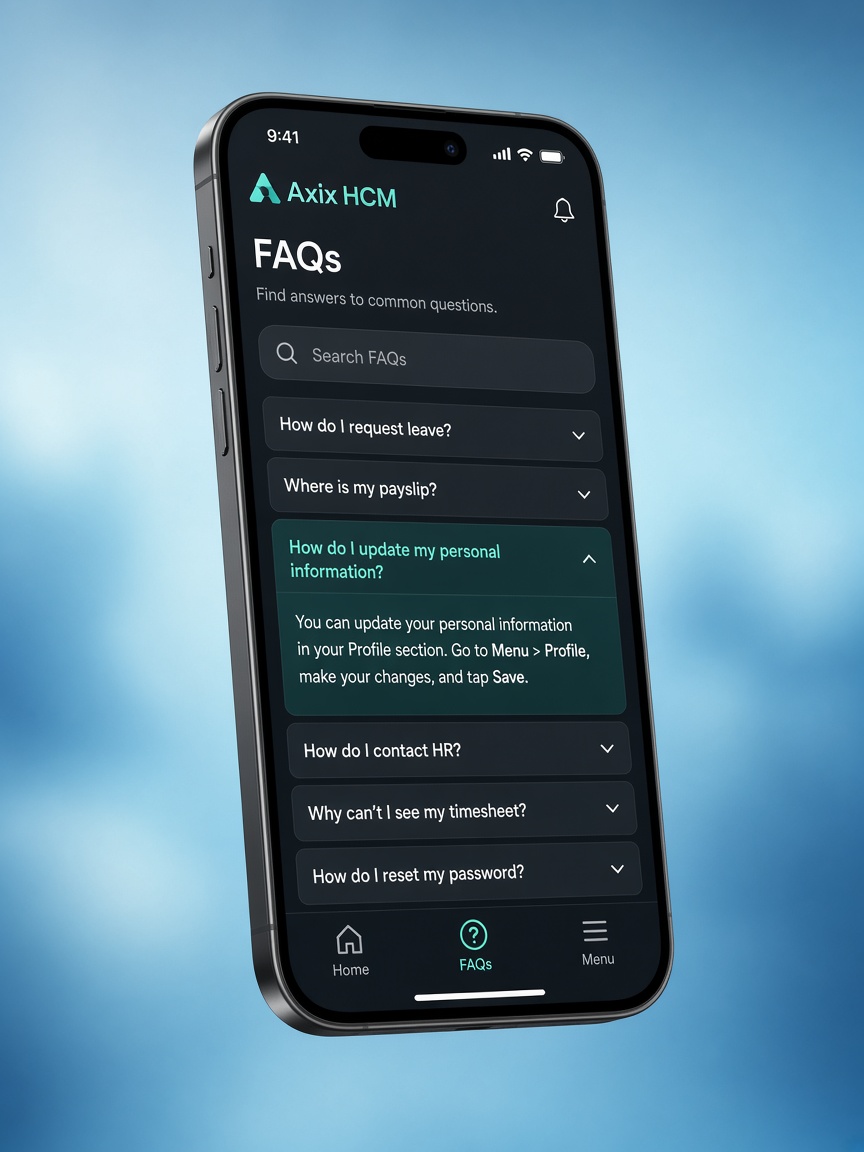
Straight answers. Complete HCM.
FAQs reinforce that Axix HCM is complete HR with three attendance channels — not a patchwork of apps.
Stakeholders look for real-time insights and audit expectations before they commit a rollout wave.
Keep three-way attendance visible in every answer so channel myths do not reappear mid-pilot.
Move from FAQ to hands-on
A trial answers configuration questions faster than another document. Start when you are ready to punch sample employees across channels.