
Axix HCM
Every module in the Axix HCM suite
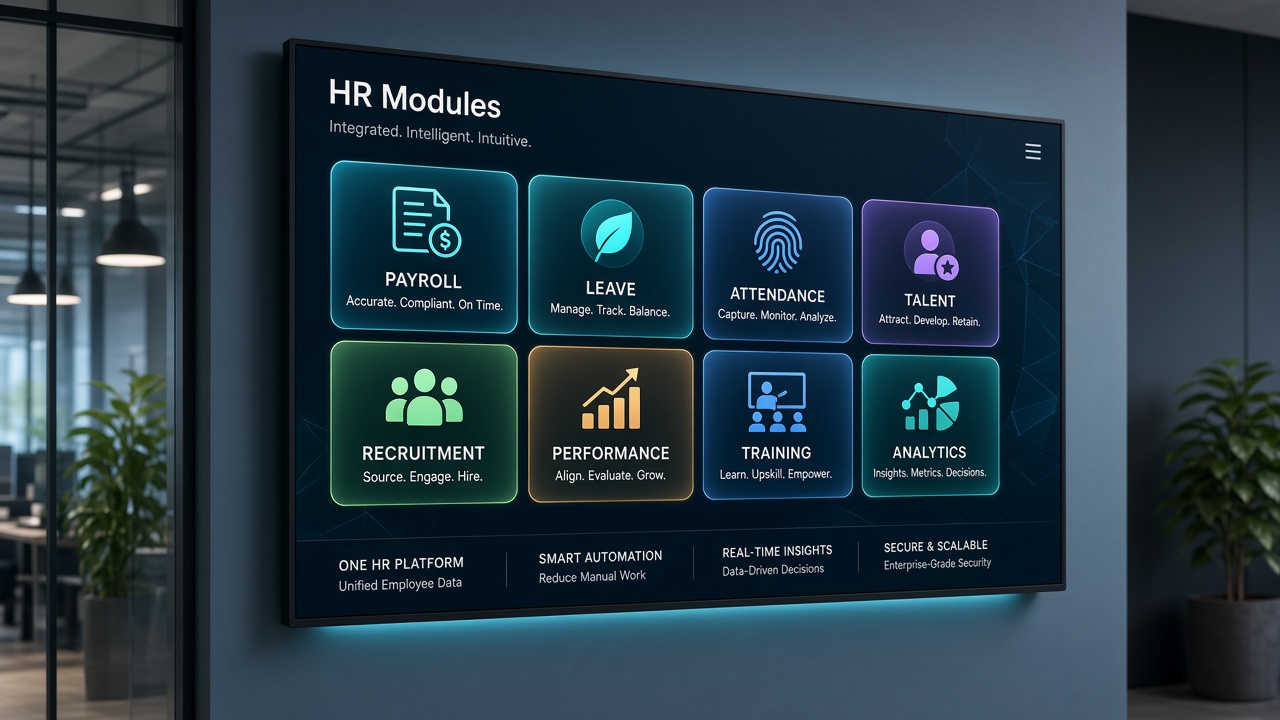
Browse the complete set of Human Capital Management capabilities — named exactly as delivered in the product — from employee master data to reports and optional door access.
Module directory
Each module owns a clear job in the workforce lifecycle.
Employee Management
Maintain a single source of truth for every person in your workforce. Capture personal details, org placement, documents, and employment status so HR, managers, and employees work from the same accurate record.
Employee Lifecycle
Guide people from offer to exit with structured steps instead of ad-hoc emails. Onboarding checklists, transfers, promotions, and separation records stay linked to the employee history.
Leave Management
Define leave policies once, then let employees apply and managers approve with clear balances. Holiday calendars and department reports keep absence planning predictable.
Shift Management
Model morning, evening, night, and custom shifts, then assign people with clear working-hour rules. Rosters and late or early visibility help operations run across locations.
Attendance Management
Capture check-in and check-out through mobile, machine/kiosk, or IP camera — all into one attendance system. Working hours, exceptions, and punch history feed reports and payroll.
Payroll
Configure salary structures, earnings, and deductions, then process periods with salary slips and history. Attendance-aware payroll reduces rework before pay day.
Recruitment
Open roles, track applicants, schedule interviews, and evaluate candidates in one hiring flow. Convert selected people into employee records without re-keying core details.
Performance Management
Run appraisal cycles with goals or KRAs, evaluations, and manager feedback. Keep performance history available for growth conversations and workforce planning.
Training Management
Plan training events, assign employees, track participation, and capture feedback. Training history and reports show who completed what across the organization.
Expense Claims & Advances
Employees submit expense claims and advance requests with multi-level approval and verification. Finance-ready records reduce chase-ups before reimbursement.
HCM Locations
Define head office, branches, hubs, and warehouses, then assign employees to the right place. Location-wise attendance and operations visibility support multi-site growth.
Door Access
Optionally connect compatible door locks or relays so authorized employees gain entry and unauthorized or expired status is denied. ALLOW and DENY logs support security review.
Reports & Dashboards
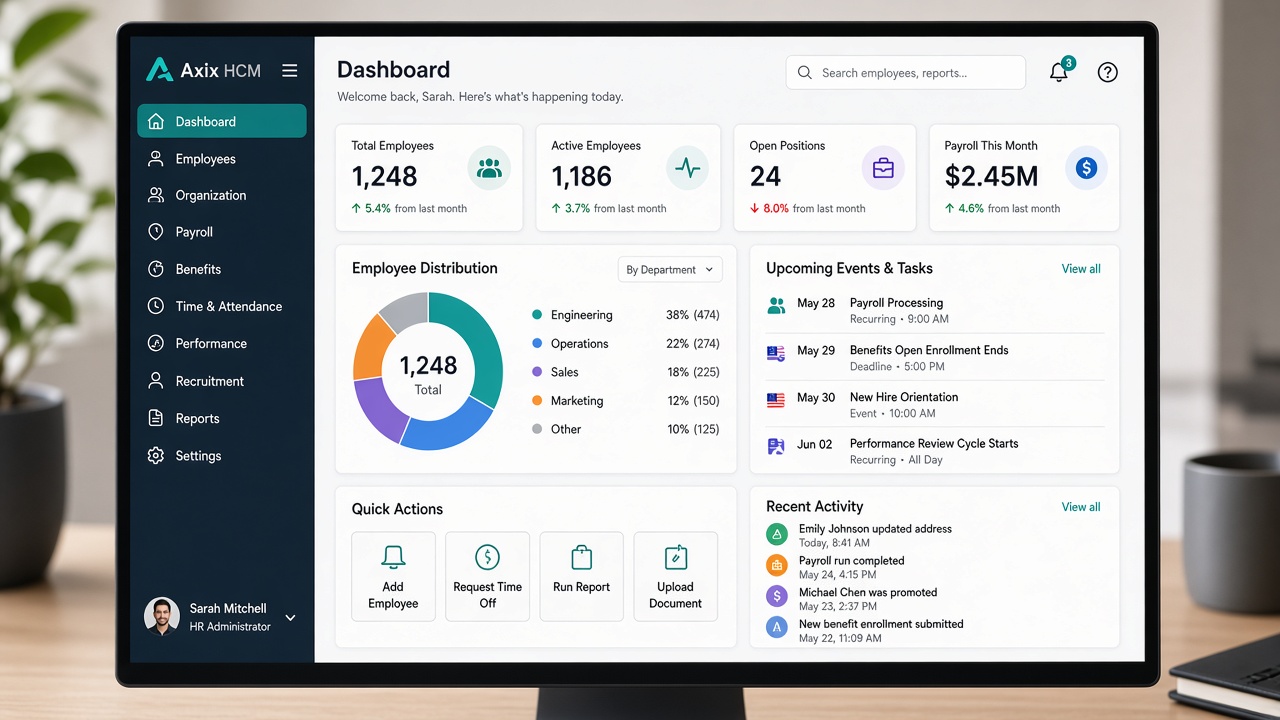
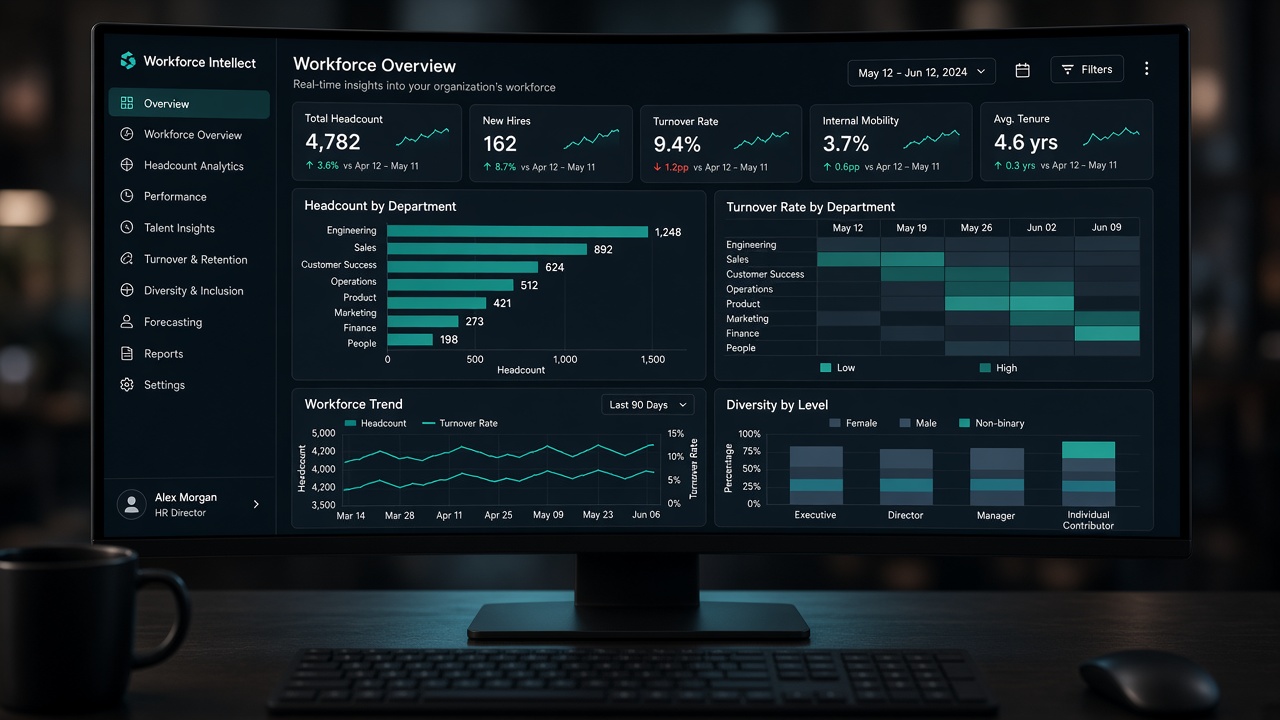
See daily, weekly, and monthly attendance, payroll summaries, and department or location analysis. Punch history, approvals, and audit trails stay available for managers and HR.
Suite design
Connected by employee identity
Modules are useful alone, but the advantage appears when leave balances, shift expectations, punches, and payroll structures share one employee master across locations.
- Master data upstream of time and pay
- Talent modules that feed the same lifecycle
- Locations and reports that scale multi-site ops
Start with the paths buyers ask about first
Three common entry points into the suite.
What “complete HCM” means here
A practical checklist from the product scope — not a buzzword stack.
- Employee master and lifecycle documentation
- Leave and shift expectations before punches
- Three attendance channels into one record
- Payroll that can use verified time
- Recruitment through training on the same platform
- Expenses, locations, optional door access, reports

Reports that span the suite
When modules share identity and time data, dashboards can answer daily attendance, monthly summaries, and audit questions without rebuilding exports.
- Daily, weekly, and monthly attendance views
- Payroll summaries beside workforce analysis
- Punch and approval history for accountability
Module names match what you configure in the product
From Employee Management through Reports & Dashboards — including optional Door Access — the directory uses the exact capability names delivered in Axix HCM.
Module suite — quick answers
Do we need all thirteen modules on day one?
No. Start with employee master, leave, shifts, attendance, and payroll if those close your biggest gaps — then add recruitment, performance, training, and expenses as ownership matures.
Are talent modules disconnected from attendance?
No. Recruitment feeds the employee master; performance and training stay on the same identity used for leave, punches, and payroll.
Where do locations and reports fit?
HCM Locations model branches and hubs; Reports & Dashboards surface daily attendance, period summaries, and audit history across the suite.
How buyers usually browse the directory
Confirm the employee master story
If profiles and lifecycle are weak, every other module inherits the mess.
Map leave, shifts, and attendance
Decide channel mix before you promise payroll accuracy.
Place payroll and expenses
Period close and claims need verified time and clear approvers.
Add talent and optional access
Recruitment through training — plus Door Access only where physical control is required.

Why buyers browse the Axix HCM module suite
Seeing all thirteen capabilities named the way we configure them made the evaluation concrete — not a vague platform pitch.
Modules that follow employees on the move
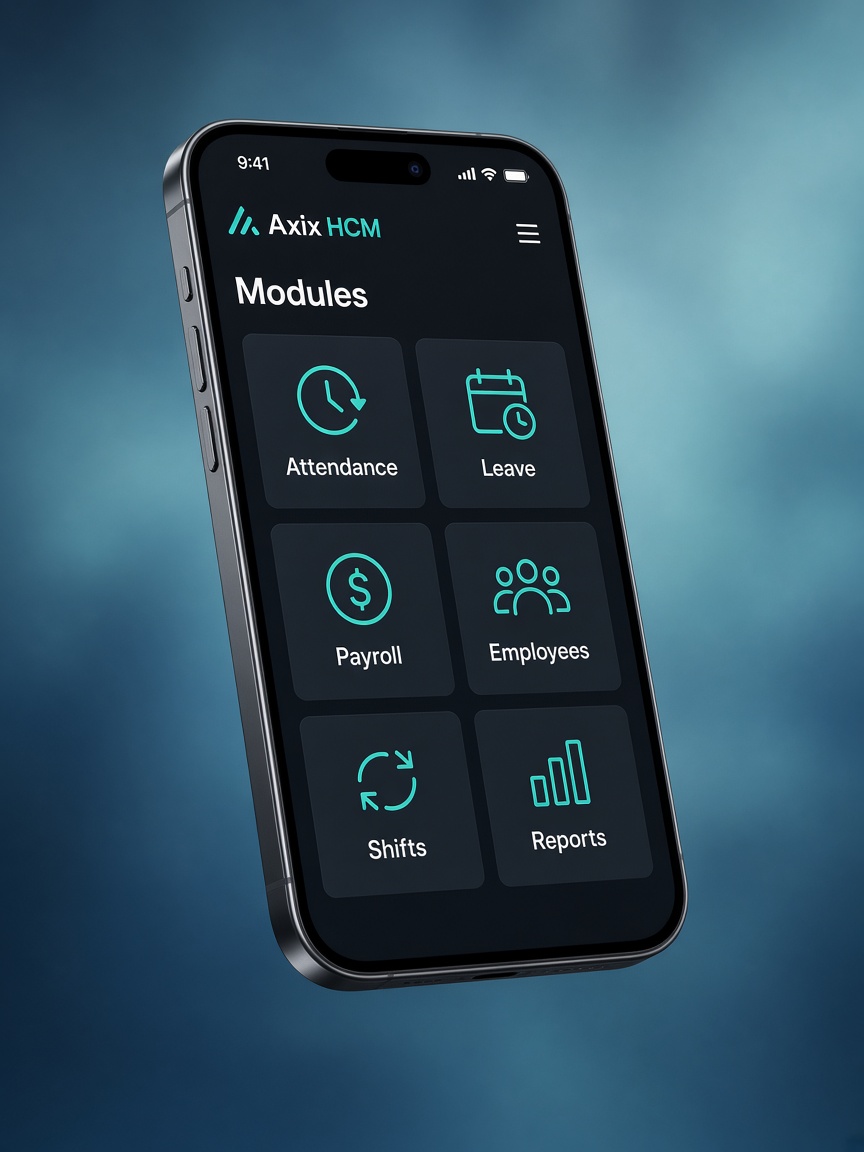
Browse the suite on the web, then let field staff feel the same policies on mobile attendance and self-service.
- Suite on one identity
Every module references the same employee master you configure in Axix HCM.
- Time modules travel
Leave, shifts, and attendance stay coherent when phones replace lobby clocks.
- Pay stays downstream
Verified time from any channel feeds payroll without a second module story.
Pair module rollout with the mobile channel for travelling roles; keep machines and cameras for fixed gates.


Thirteen modules. One Axix HCM spine.
The directory mirrors what you configure: people, lifecycle, leave, shifts, attendance, payroll, talent, expenses, locations, optional door access, and reports.
Buyers use real-time insights from attendance and dashboards to decide which module wave comes next.
International operators keep three-way attendance beside talent and pay without inventing a parallel stack.
Tour the suite in a live trial
Open the modules that match your first use case — then expand to the connected workflows that remove spreadsheet glue.