

Axix HCM
Resources to evaluate Axix HCM with clarity
Use these pages to understand modules, attendance channels, platform fit, and answers to common buyer questions — without implementation jargon.
Product guide mindset
Good evaluation materials explain what the system does for employees, managers, and payroll — not how it was engineered. These resources stay in that lane.
- Module scope from the product brief
- Attendance channel deep-dives
- Business benefits for multi-site teams
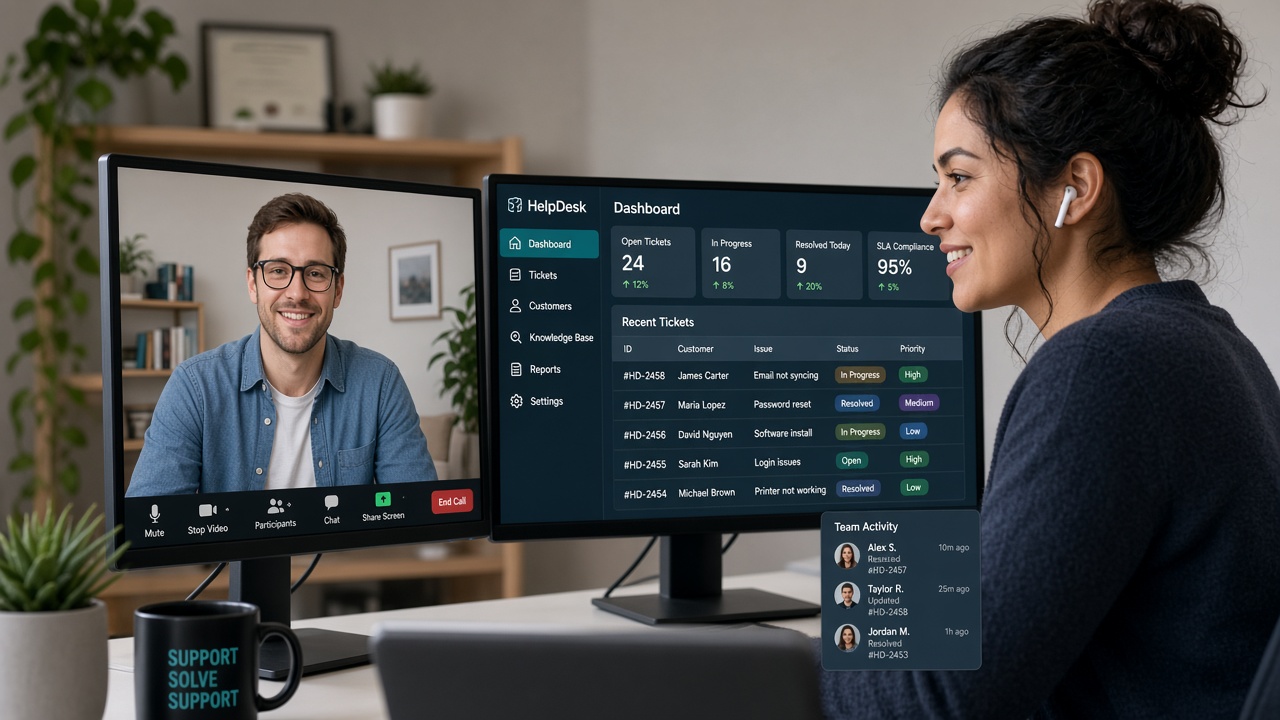
Topics buyers explore most
Evaluation packet checklist
What a thorough Axix HCM review usually includes.
- Confirm module names match your RFP language
- Map each site to an attendance channel
- Identify payroll stakeholders early
- Decide if Door Access is in or out of scope
- Review role-based access expectations
- Schedule a trial with real sample employees
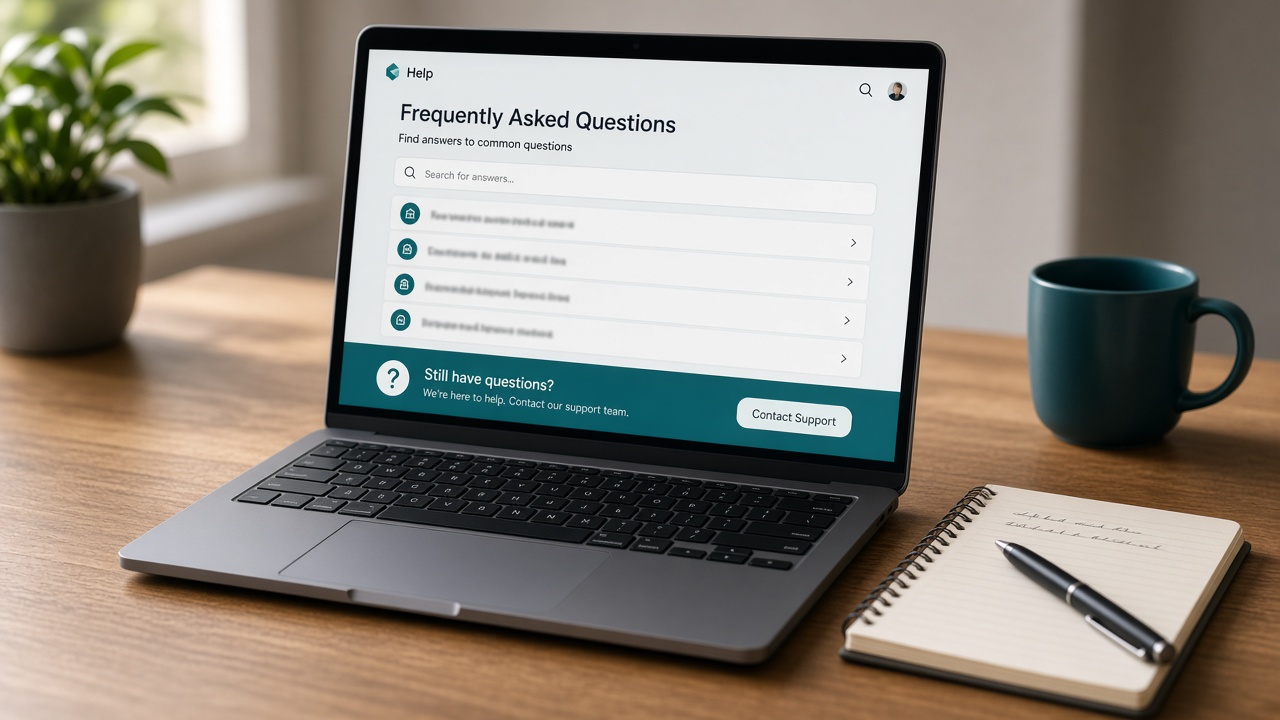
Clarity beats brochure fog
Resources on this site expand the product brief into international marketing language while preserving exact module names and attendance channel facts.
- No stack claims — only product capability
- International HCM positioning
- Strong emphasis on unified three-channel attendance
Read for operational fit, not engineering folklore
These resources explain what Axix HCM does for employees, managers, and payroll — modules, channels, and outcomes — without stack claims.
A focused reading path for evaluators
Skim FAQs for channel and suite basics
Clear misconceptions about three-way attendance and module scope early.
Walk the modules directory
Confirm exact names match your RFP and internal process language.
Deep-dive attendance channels
Map each site type to mobile, machine/kiosk, or camera.
Finish with about and contact
Align positioning, then bring your site map to a trial conversation.
Resources — short FAQ
Where do I compare attendance options?
Start on the Attendance overview, then open Mobile, Machine/Kiosk, and IP Camera pages for channel-specific detail.
Where are exact module names listed?
The Modules directory and each module page use the product capability names from the Axix HCM brief.
What if written guides are not enough?
Start a commercial trial or contact the team with headcount, locations, and preferred punch channels for guided evaluation.

How operators learn Axix HCM before go-live
The guides helped our hotel HR leads and logistics supervisors share one vocabulary before the pilot.
Learn on desktop — practice on the phone
Resources explain the suite; the mobile channel lets pilots feel attendance the way field staff will live it.
- Brief the mobile story
Share how punches on phones land in the same HCM record as gates.
- Pilot with real roles
Put travelling staff on the app while reading rollout checklists.
- Keep channels honest
Resources reinforce machine and camera options beside mobile.
Use guides to plan channel mix; put the app in pilots’ hands early so feedback is concrete.
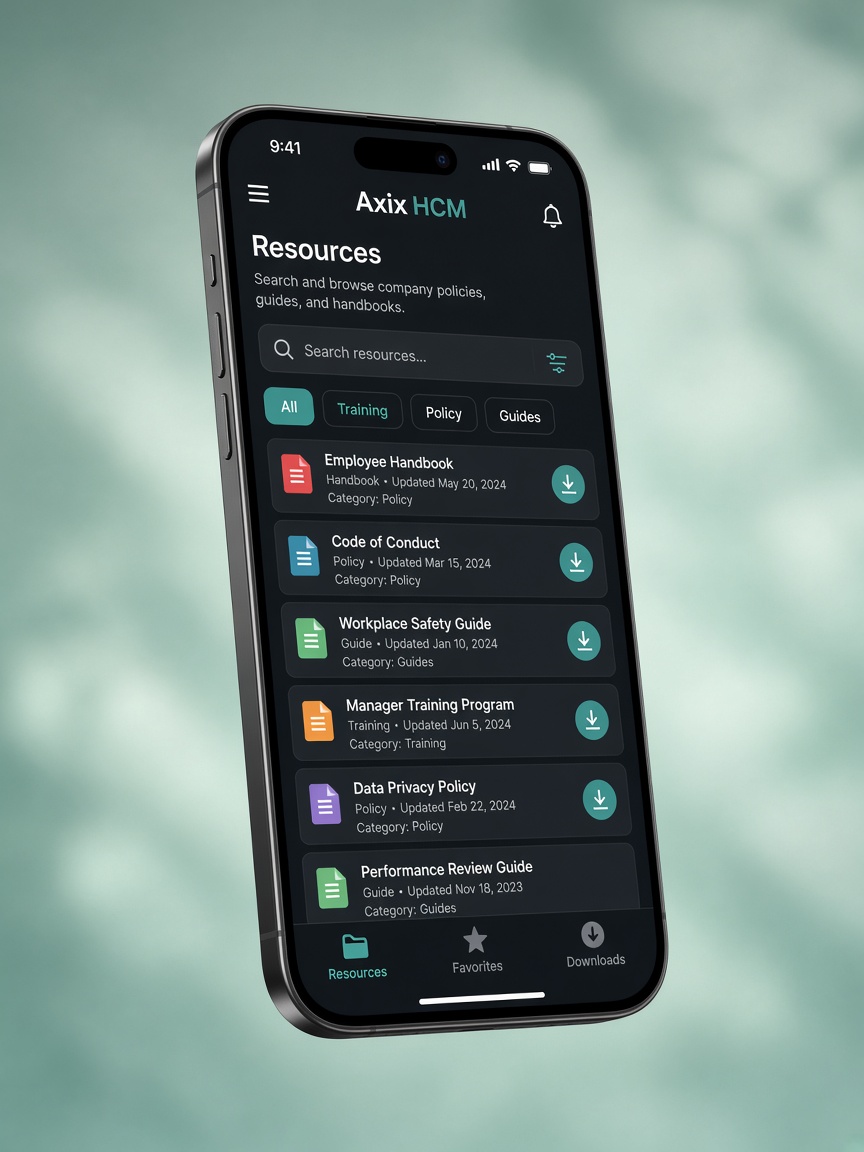



Enablement that matches the product
Resources describe Axix HCM as complete HR with attendance via mobile, machine, and camera — the same story as the product.
Teams use real-time insights language early so dashboards replace ad-hoc exports after go-live.
Keep three-way attendance in every briefing so nobody assumes a single punch ritual fits every site.
Ready for a guided walkthrough?
Start a trial or contact the team when your evaluation questions go beyond the written guide.